AI Image to Image Generator
0 / 5000
 Sample
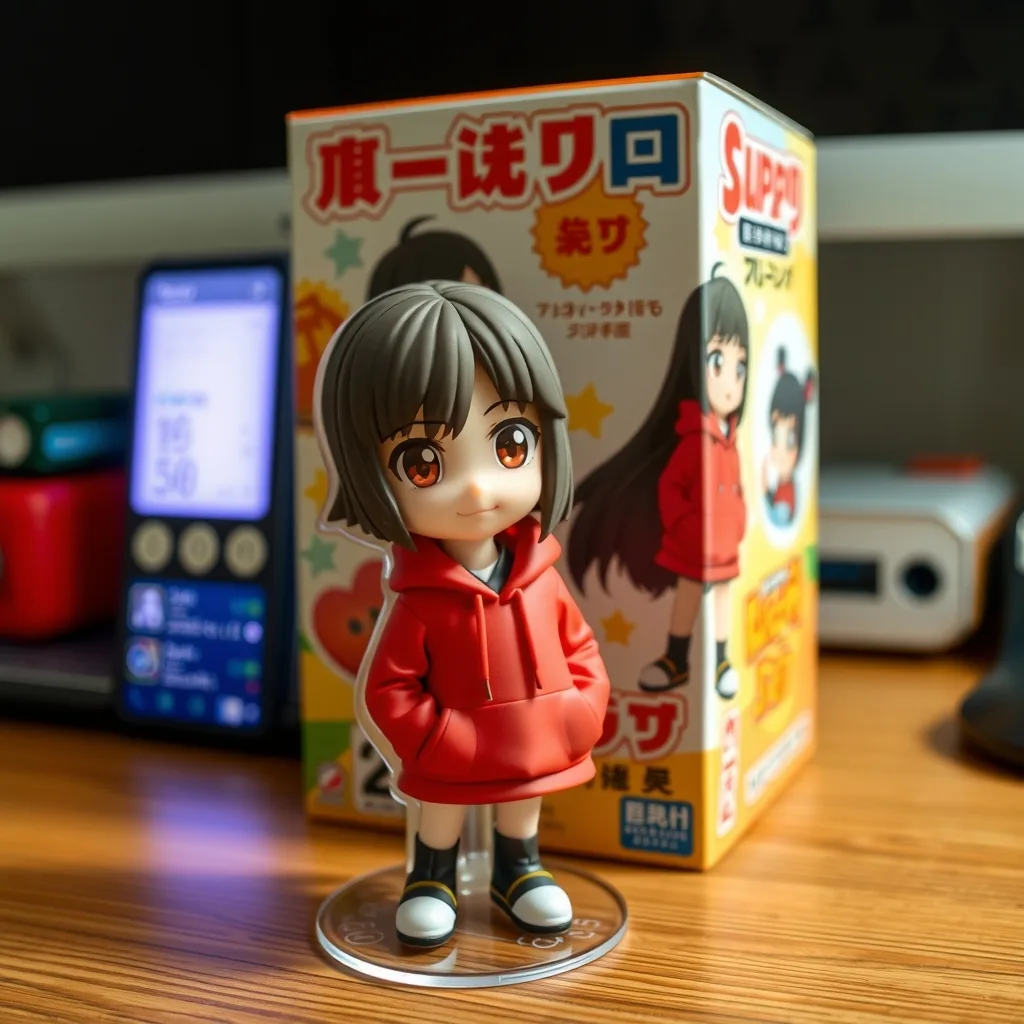
Turn this photo into a collectible figurine on a desk, with a printed toy box behind it showing the same character.
My Creations
Sign in to keep your generations here
Inspiration
Click any card to previewTurn this photo into a collectible figurine on a desk, with a printed toy box behind it showing the same character.
Preview & reuse settings
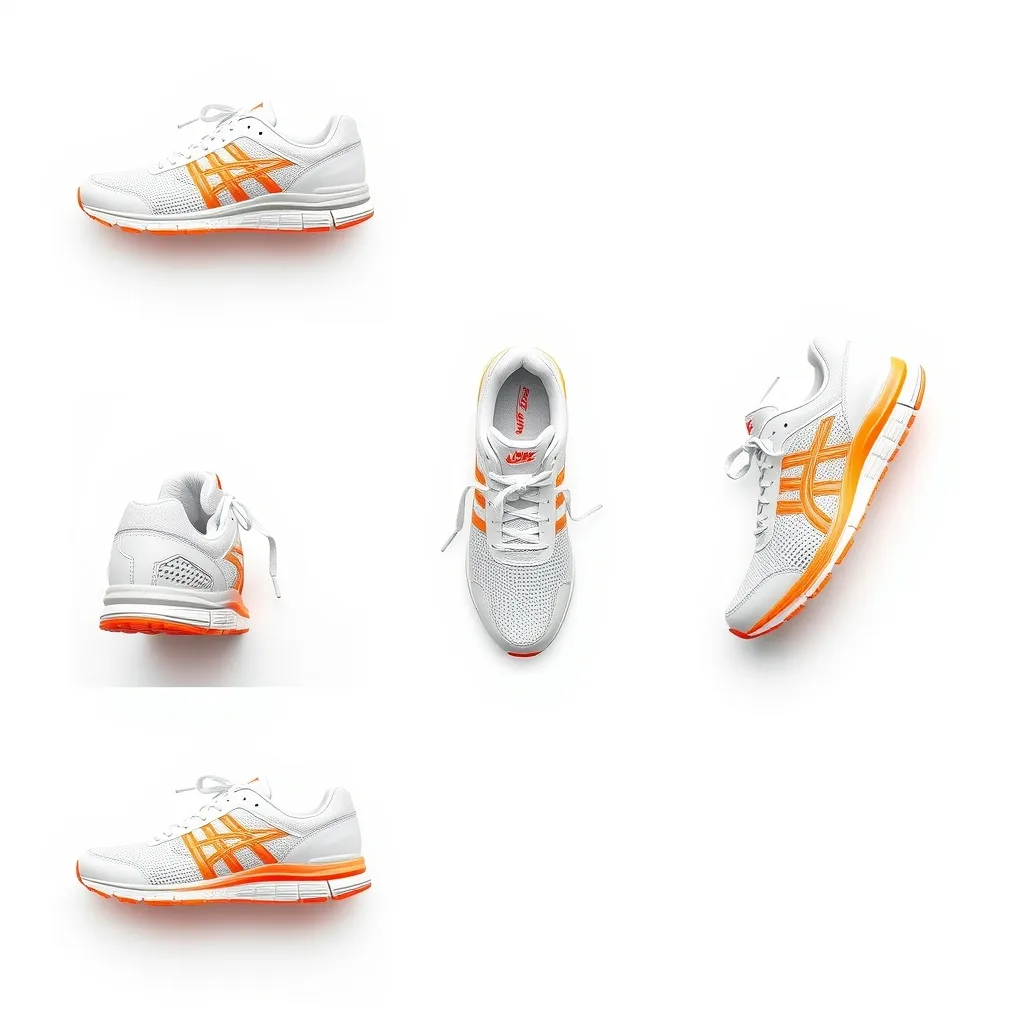
Generate front, back, left, right, top and bottom views of this sneaker on a white background, evenly spaced.
Preview & reuse settings
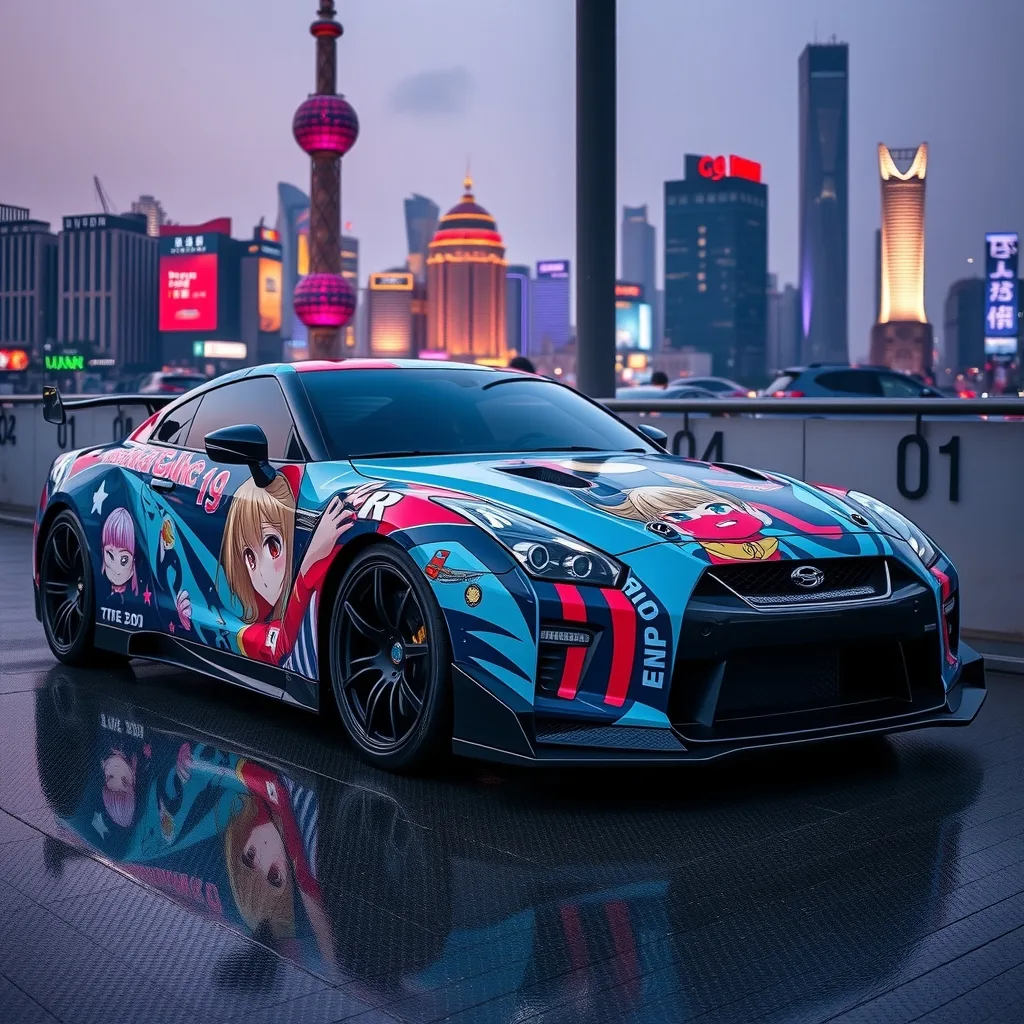
Wrap this illustration onto a sports car as a decorated itasha and photograph it at a famous landmark.
Preview & reuse settings
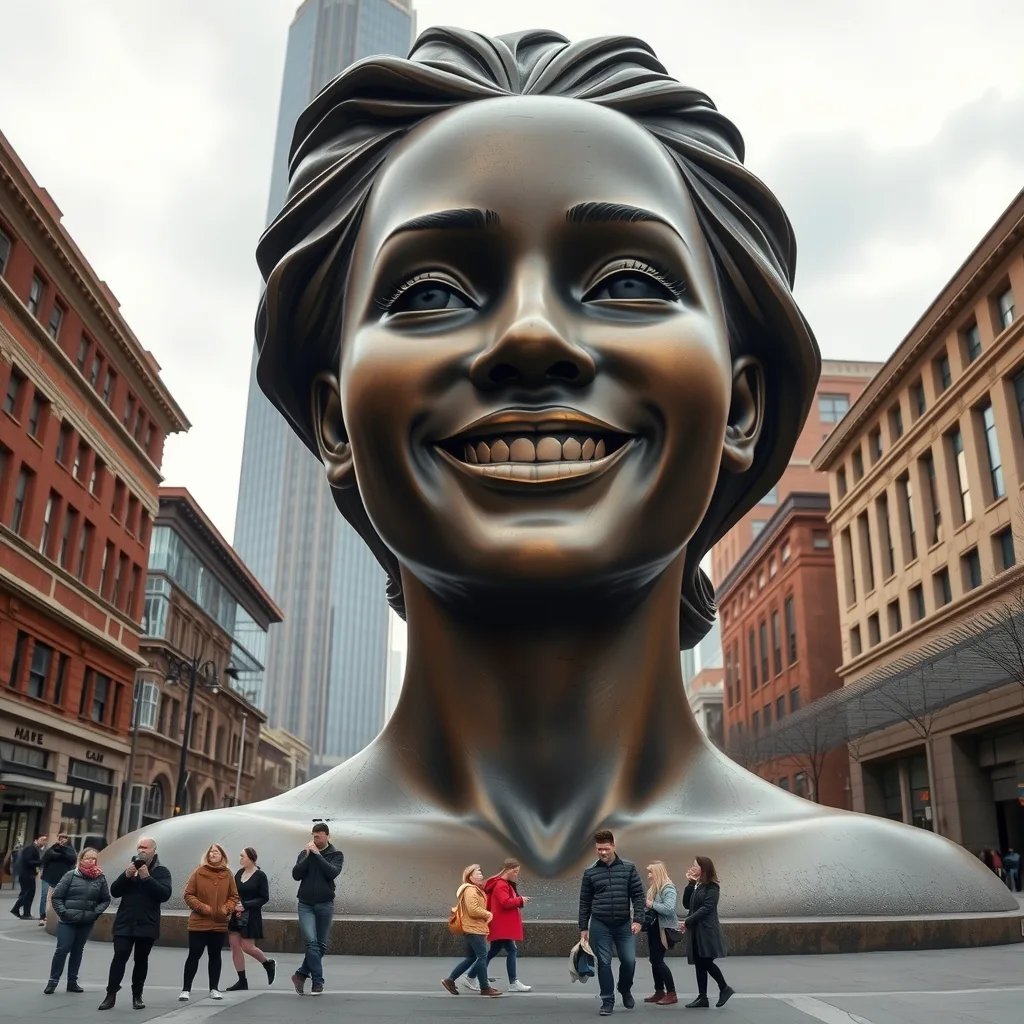
Place a giant statue of this person in a city plaza with people looking up at it.
Preview & reuse settings
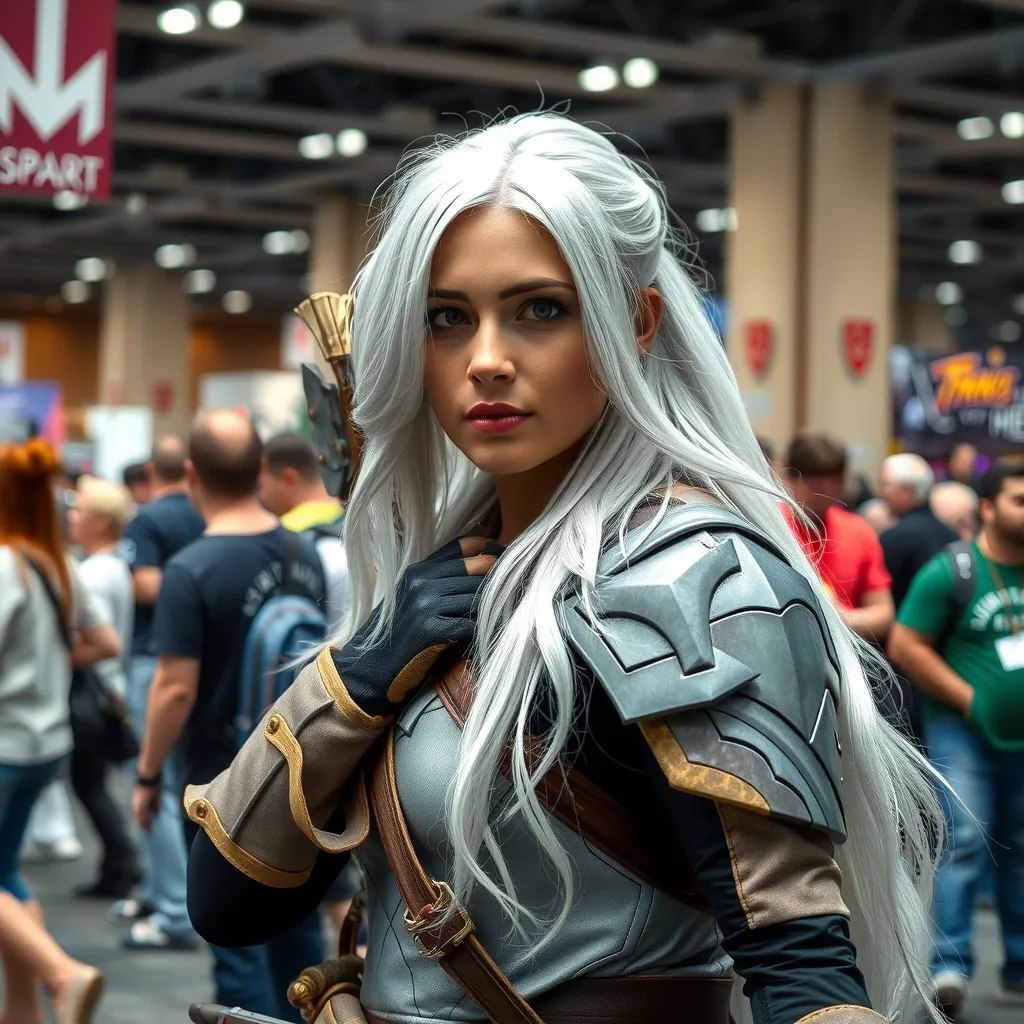
Generate a photo of a cosplayer dressed as this character at a comic convention.
Preview & reuse settings
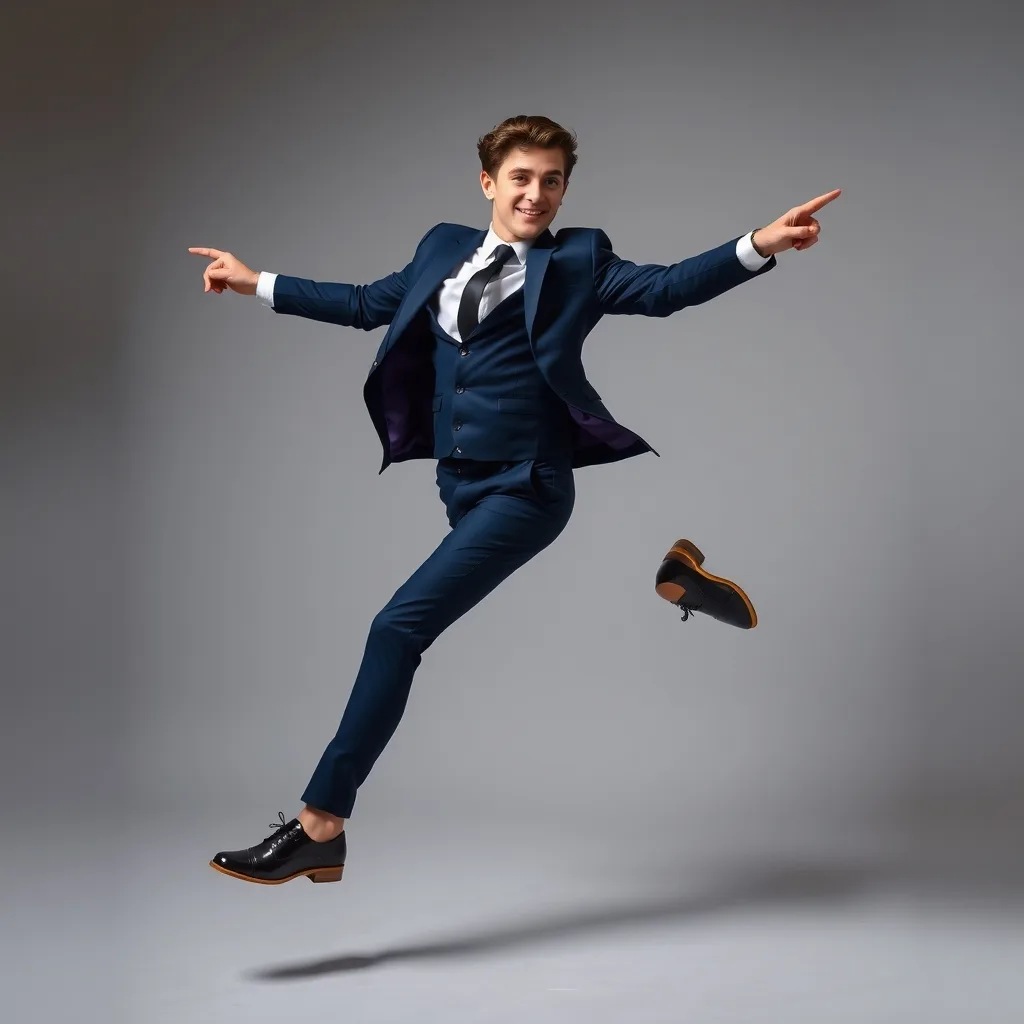
Use the pose from image 2 for the person in image 1, shot in a professional studio.
Preview & reuse settings
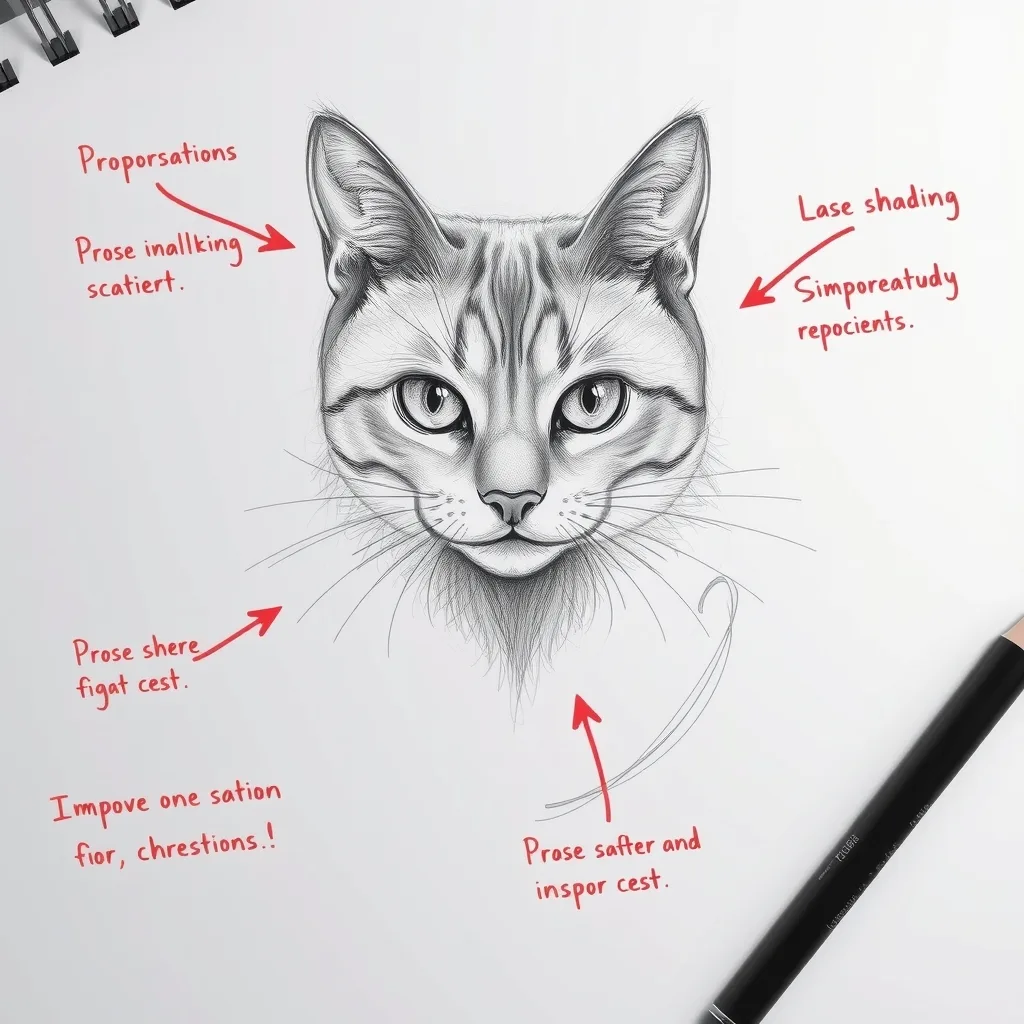
Analyze this sketch and mark what can be improved with a red pen.
Preview & reuse settings
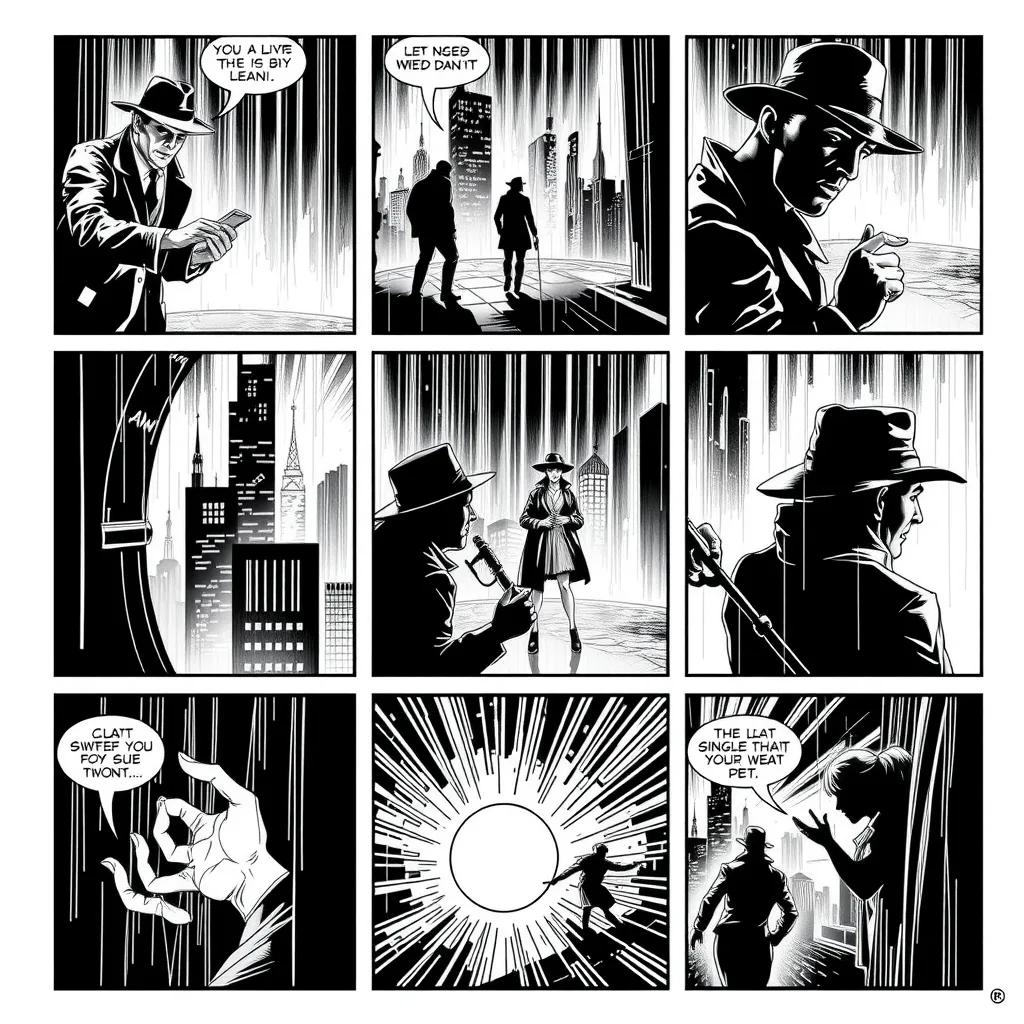
Using these two characters, create a 12-panel film noir story about a missing pearl.
Preview & reuse settings
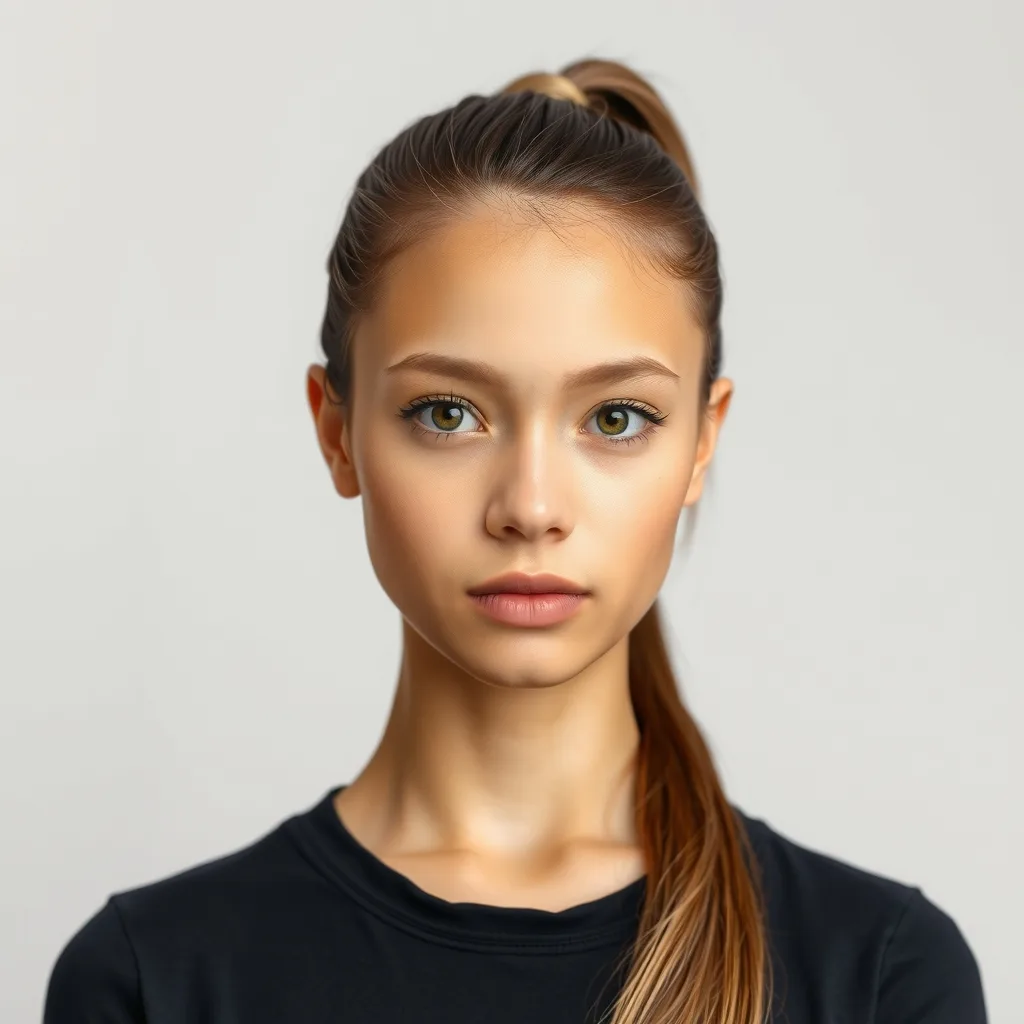
Make the person in the image face forward, looking straight at the camera.
Preview & reuse settings
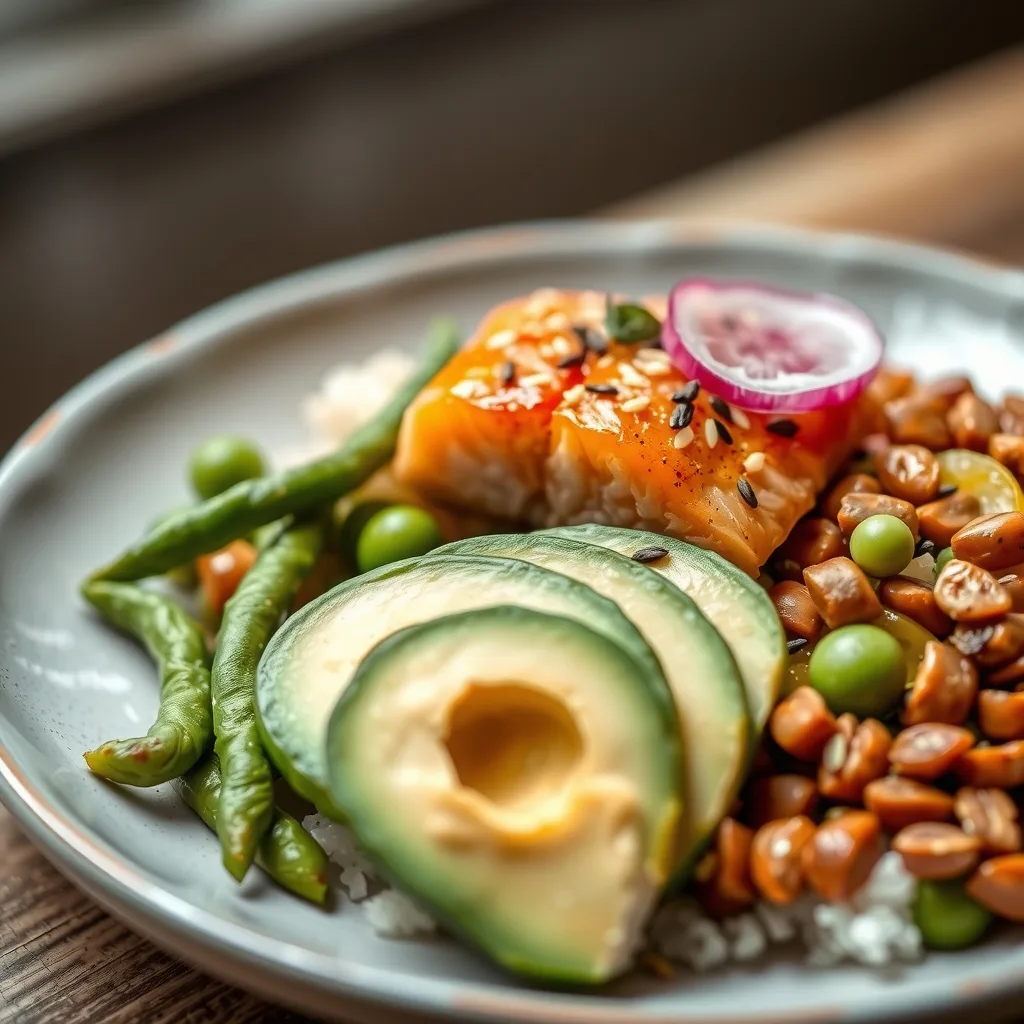
Use these ingredients to make a delicious lunch on one plate and show a close-up.
Preview & reuse settings
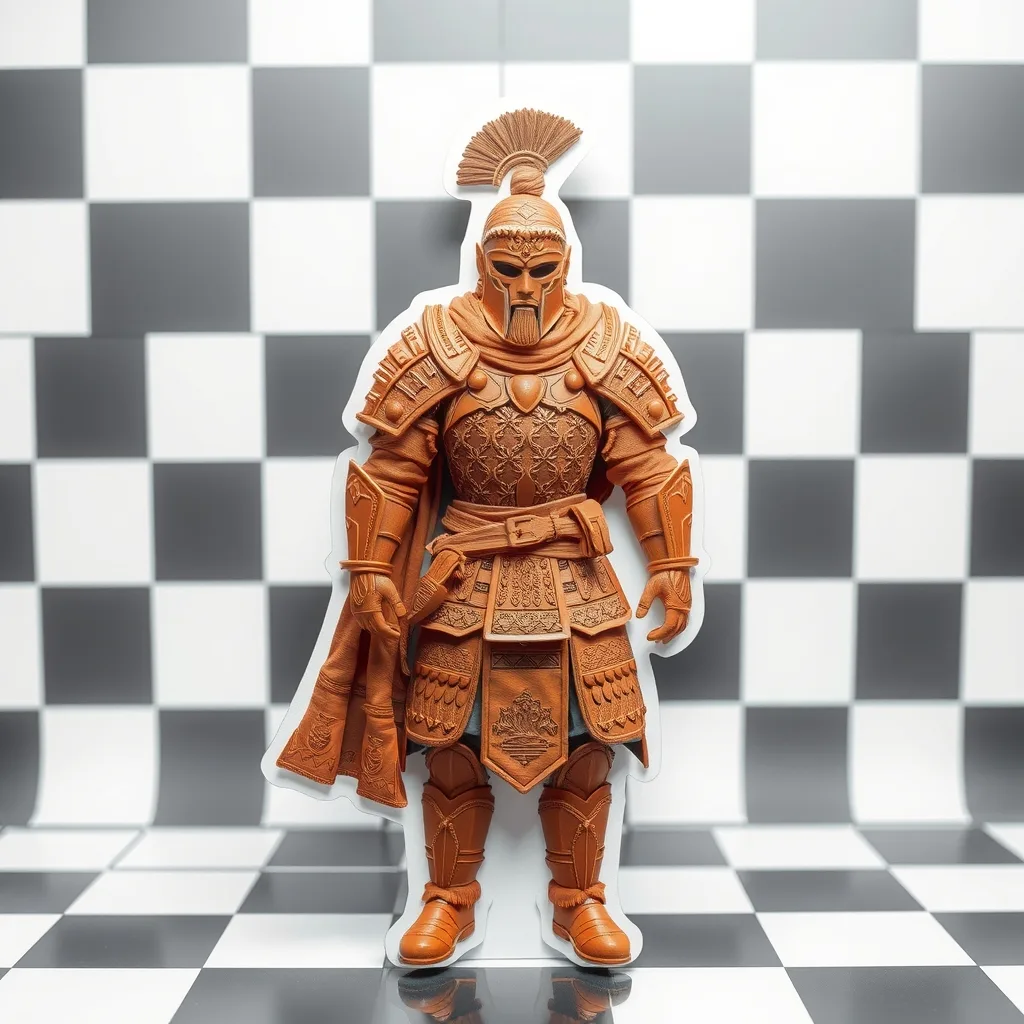
Extract the warrior and place it on a transparent background.
Preview & reuse settings
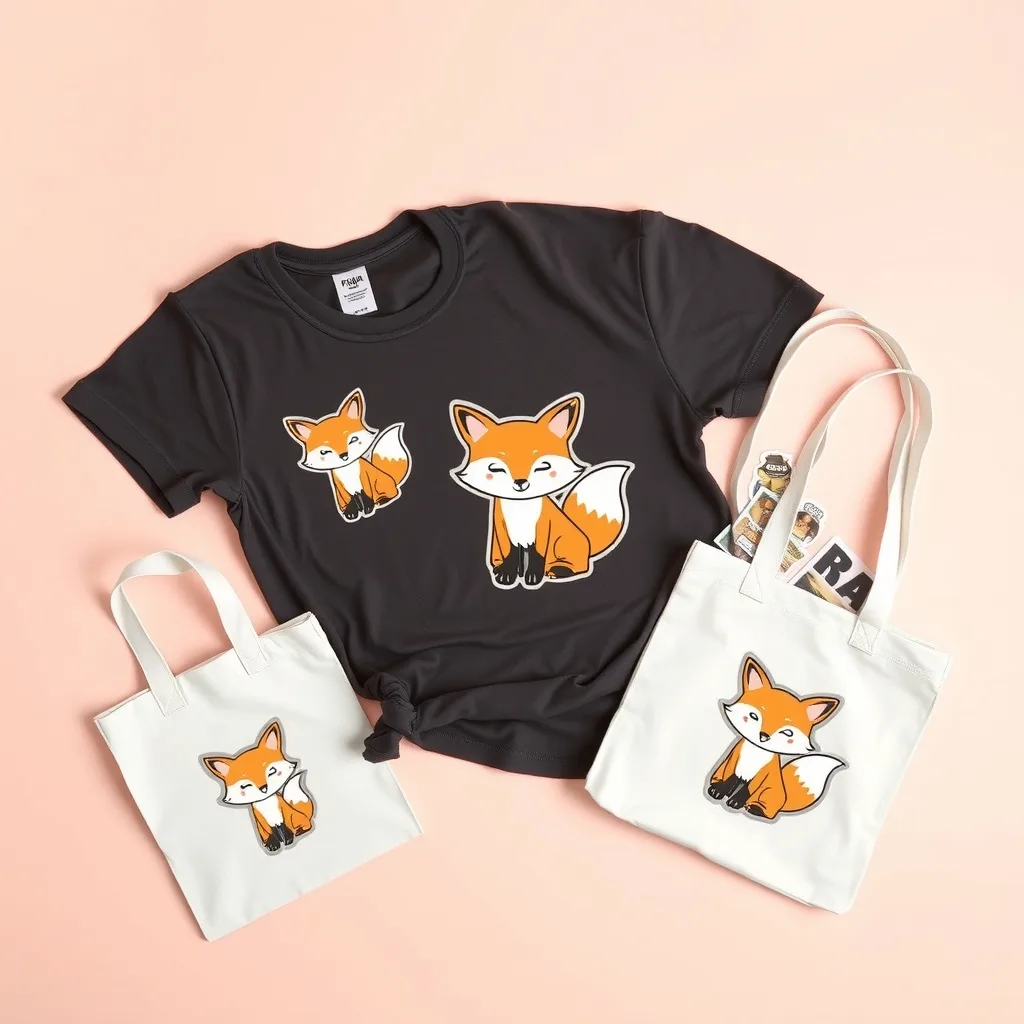
Use this character design to create a set of merchandise.
Preview & reuse settings
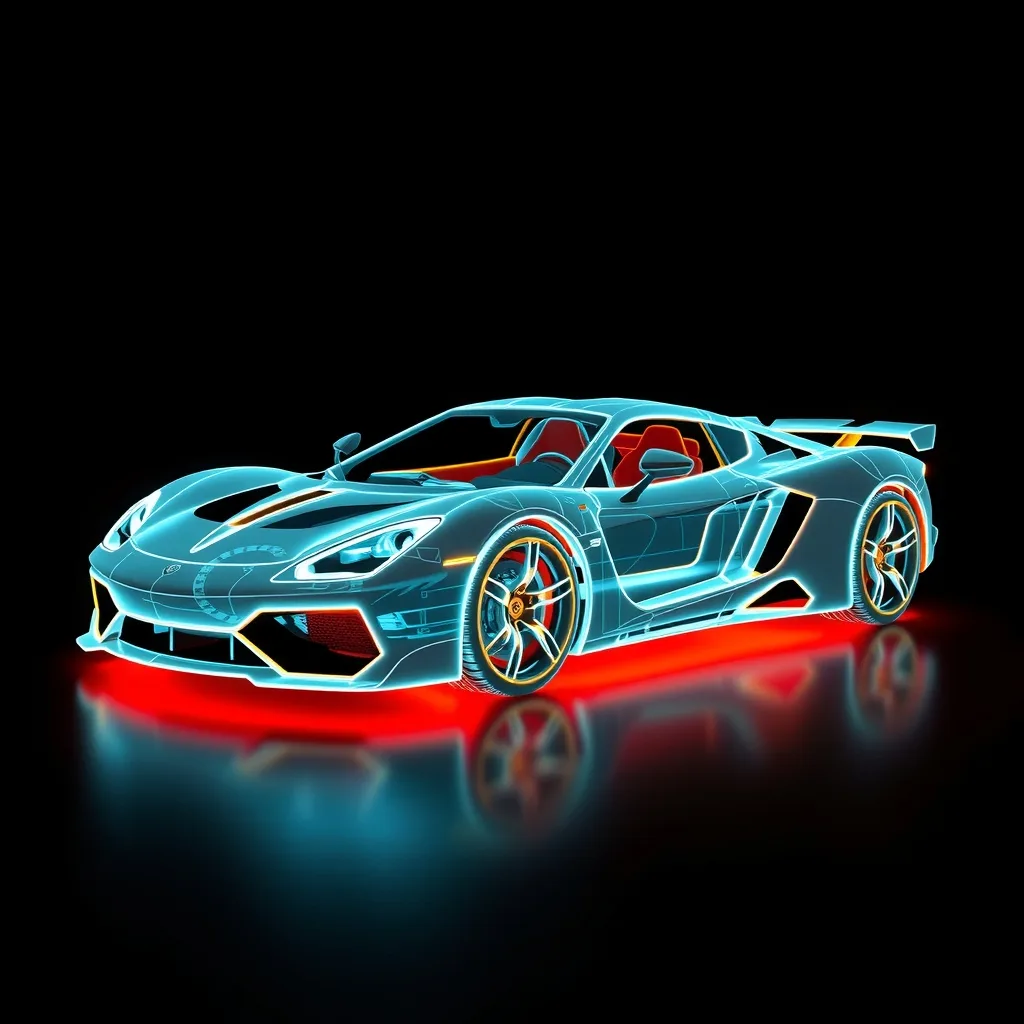
Recreate this image as a holographic version using only glowing wireframe lines.
Preview & reuse settings
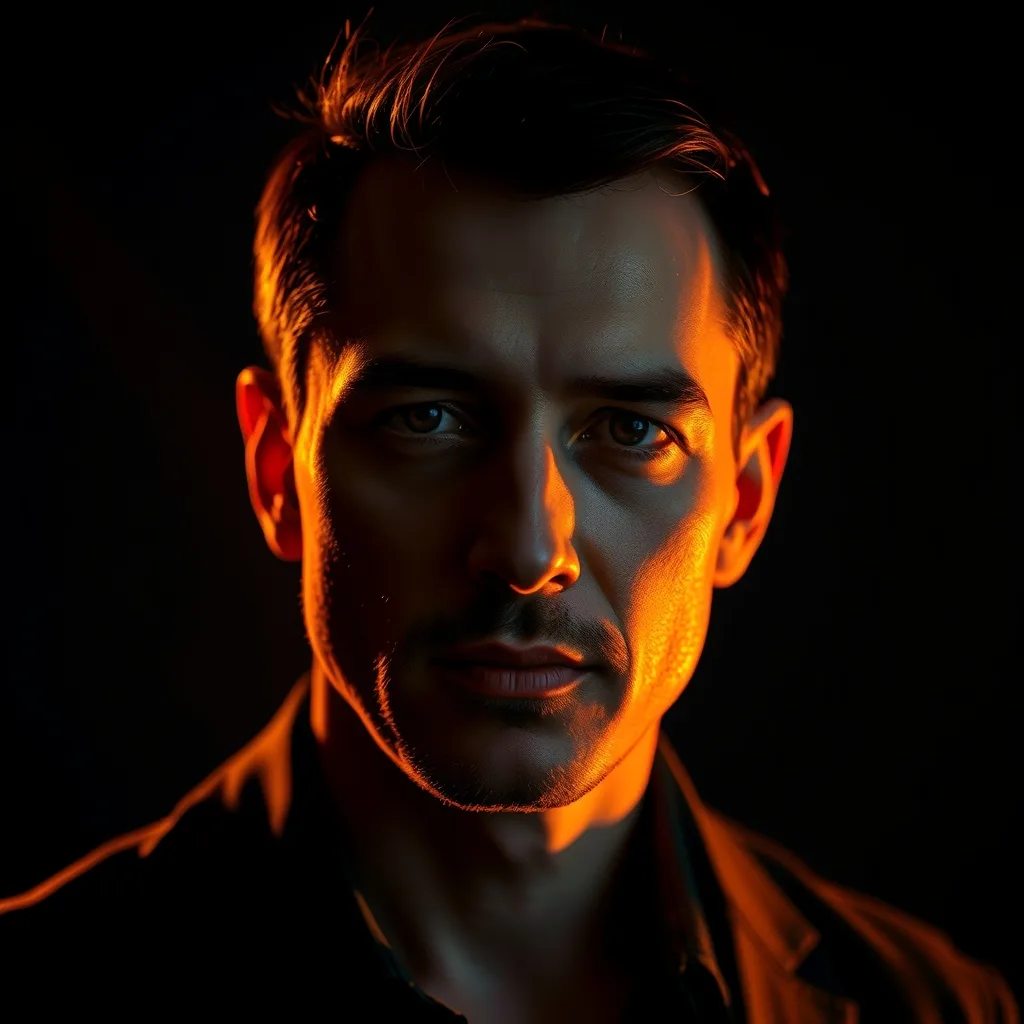
Match the lighting on the person in image 1 to the dramatic light in image 2, keeping deep shadows.
Preview & reuse settings
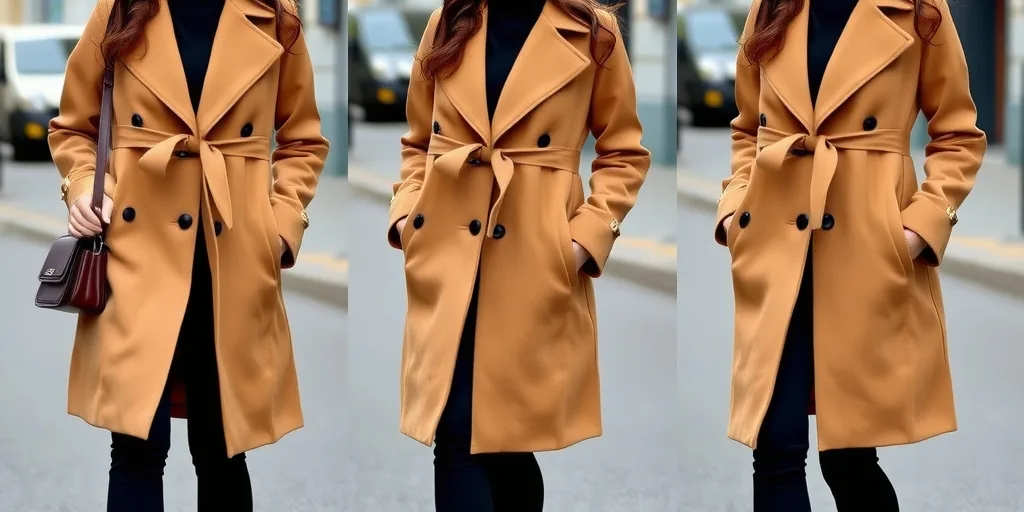
Dress the person from image 1 in the clothing from image 2 and shoot an outdoor OOTD photo series.
Preview & reuse settings
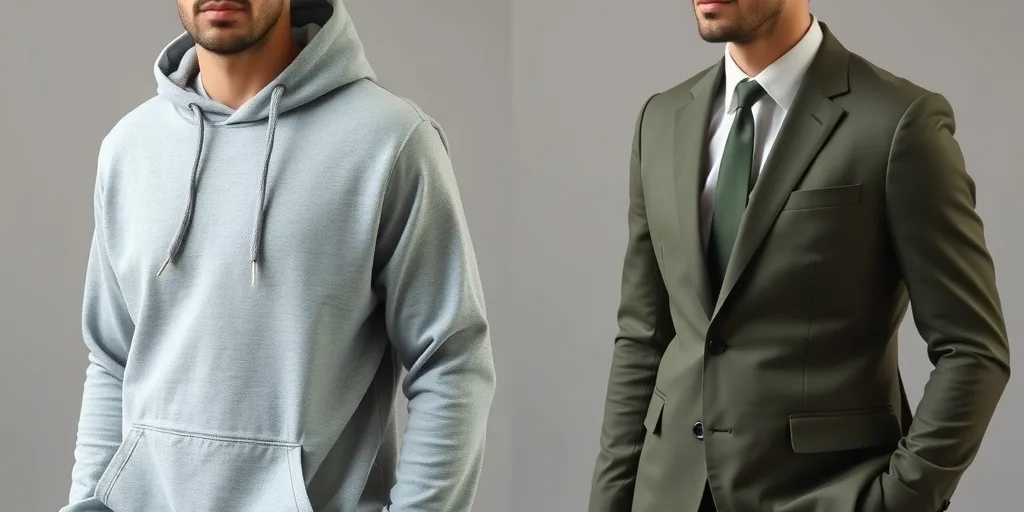
Replace the outfit with the reference outfit while keeping pose, expression and background.
Preview & reuse settings
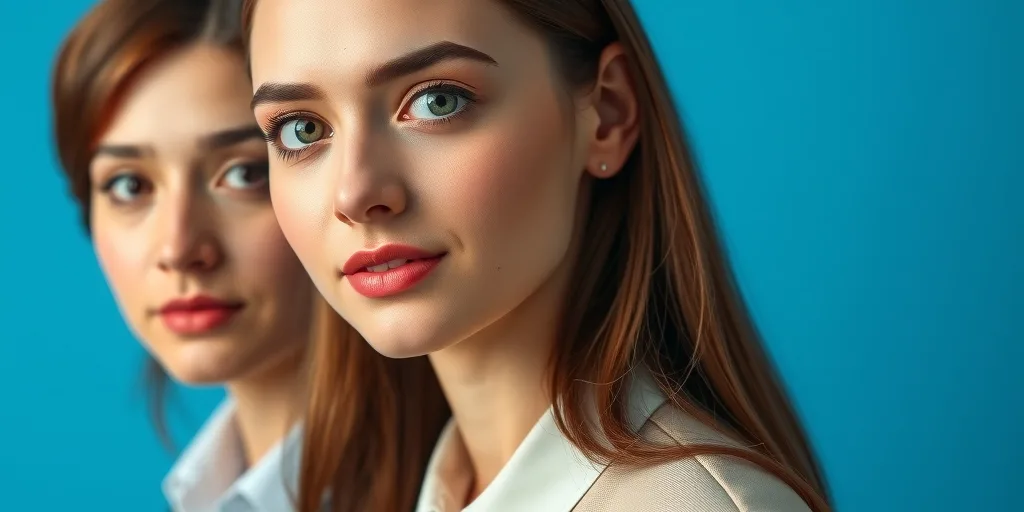
Crop the head and make a 2-inch ID photo with a blue background and business attire.
Preview & reuse settings
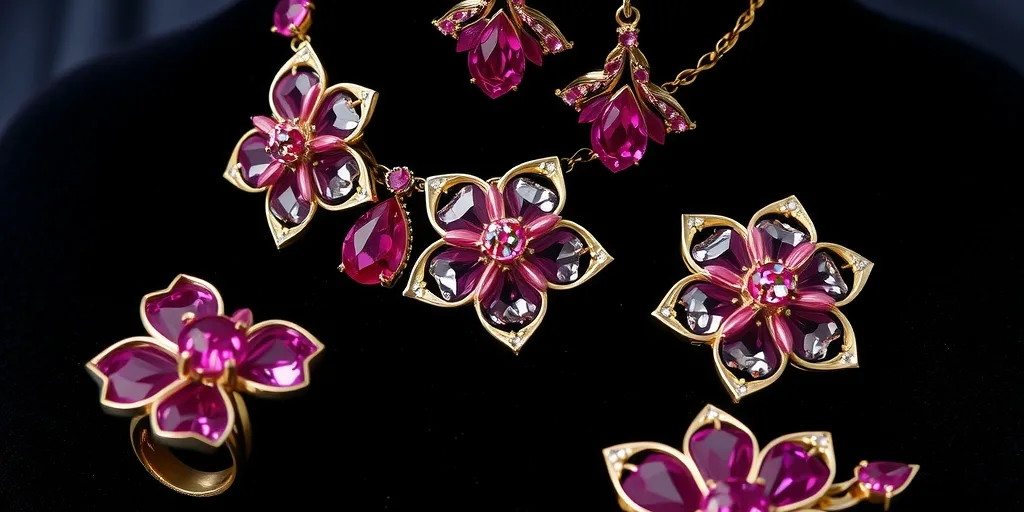
Turn this flower into a five-piece jewelry collection.
Preview & reuse settings
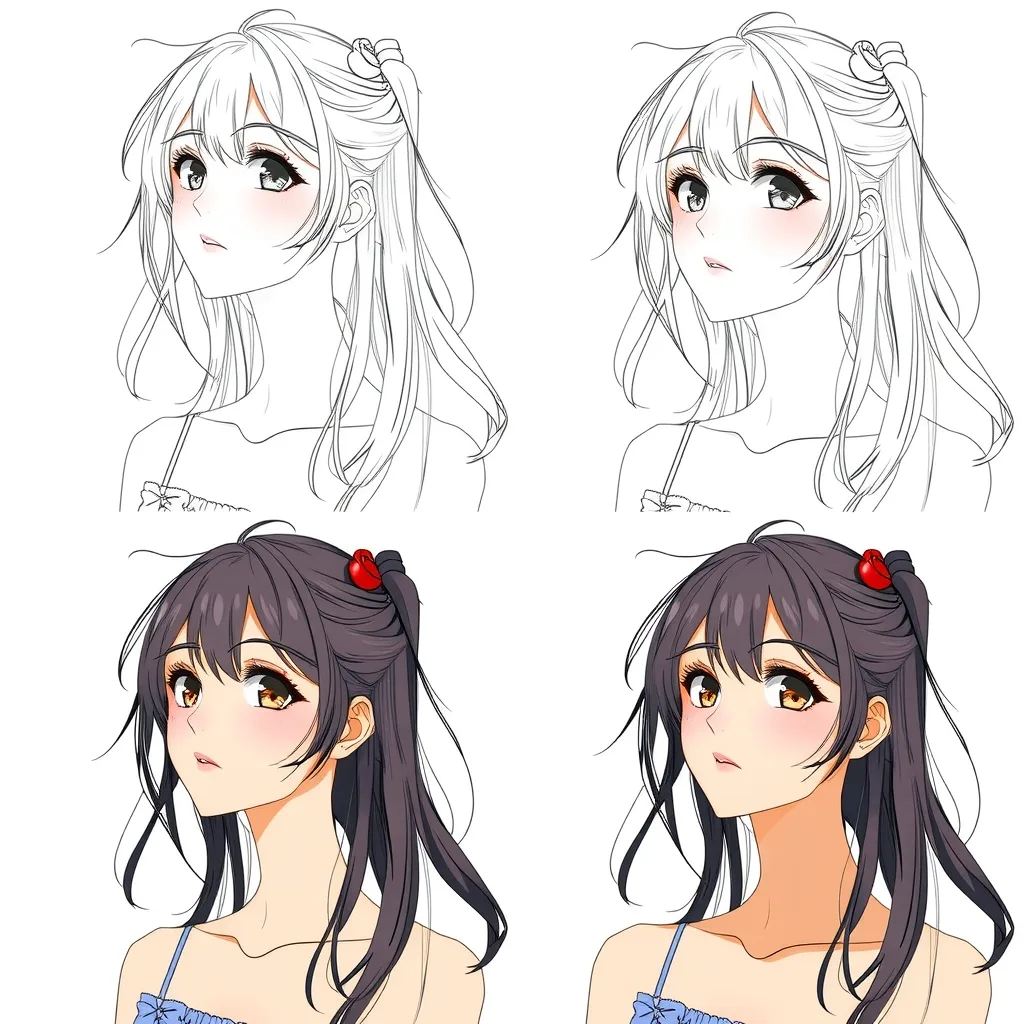
Show the drawing process for this character in four panels: line art, flat colors, shadows, final render.
Preview & reuse settings
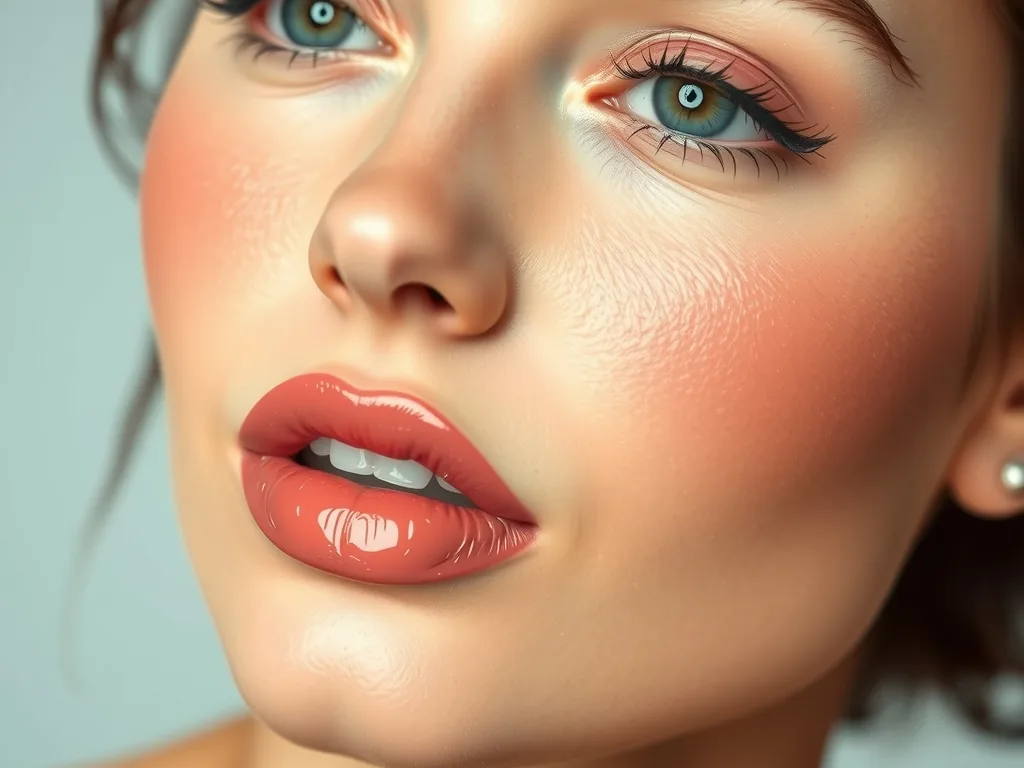
Apply the makeup style from image 2 to the person in image 1, keeping the pose.
Preview & reuse settings
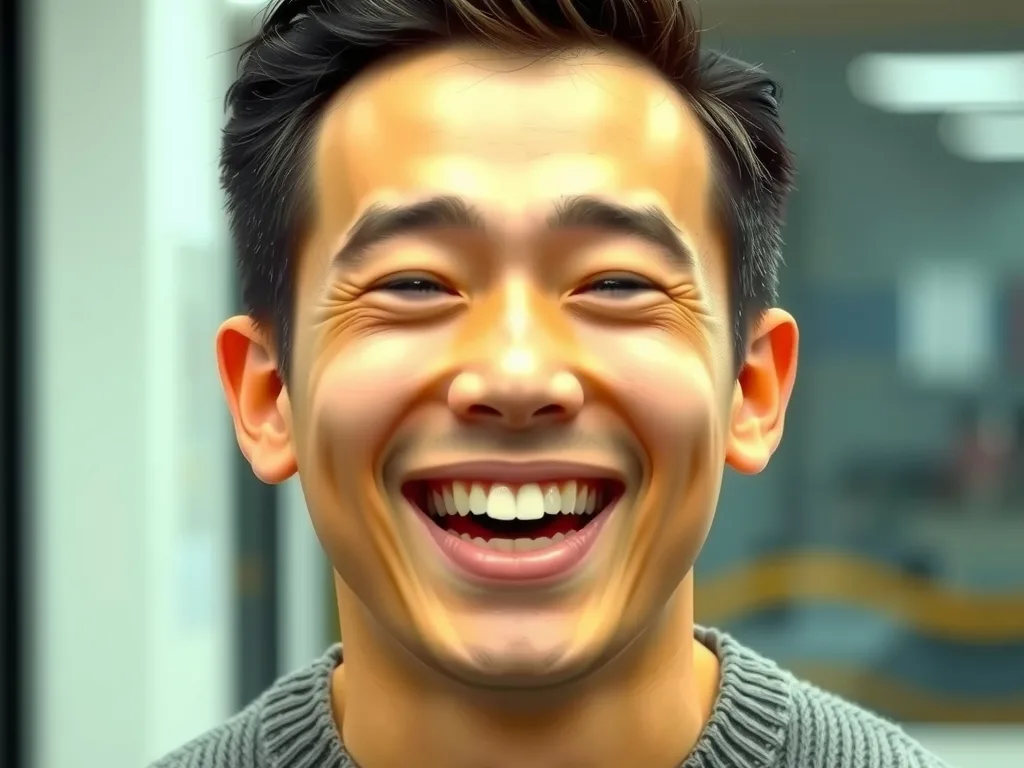
Change the facial expression in image 1 to match the joyful laugh in image 2.
Preview & reuse settings
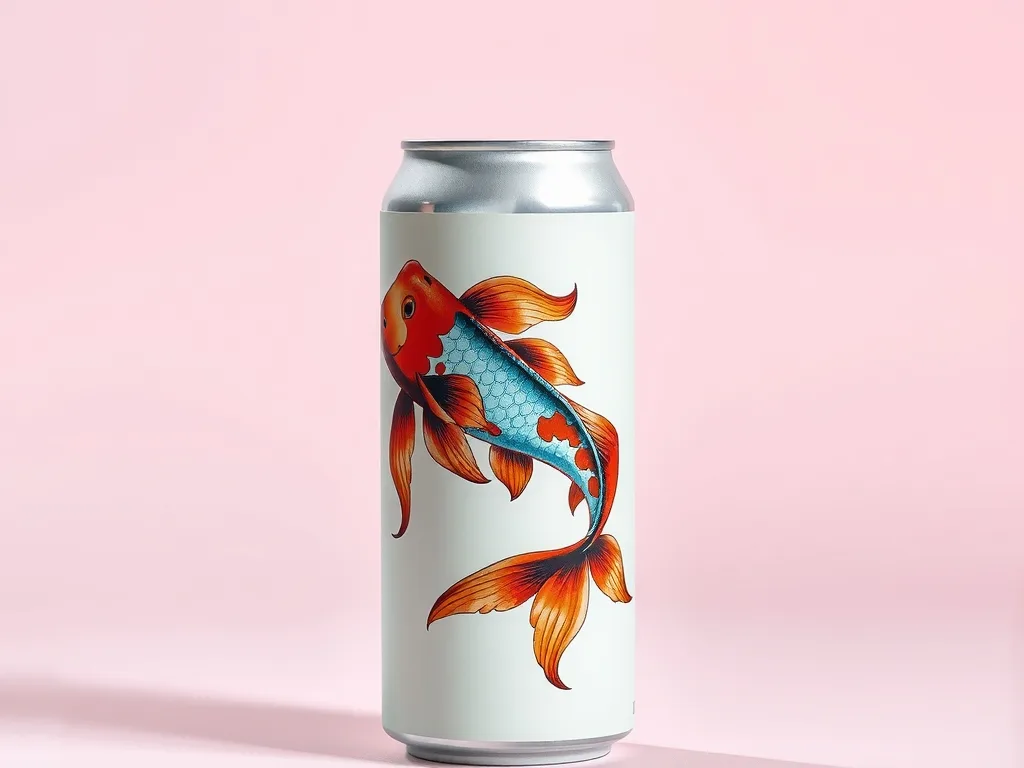
Place the artwork from image 1 onto the can in image 2 and shoot it in a minimalist studio.
Preview & reuse settings
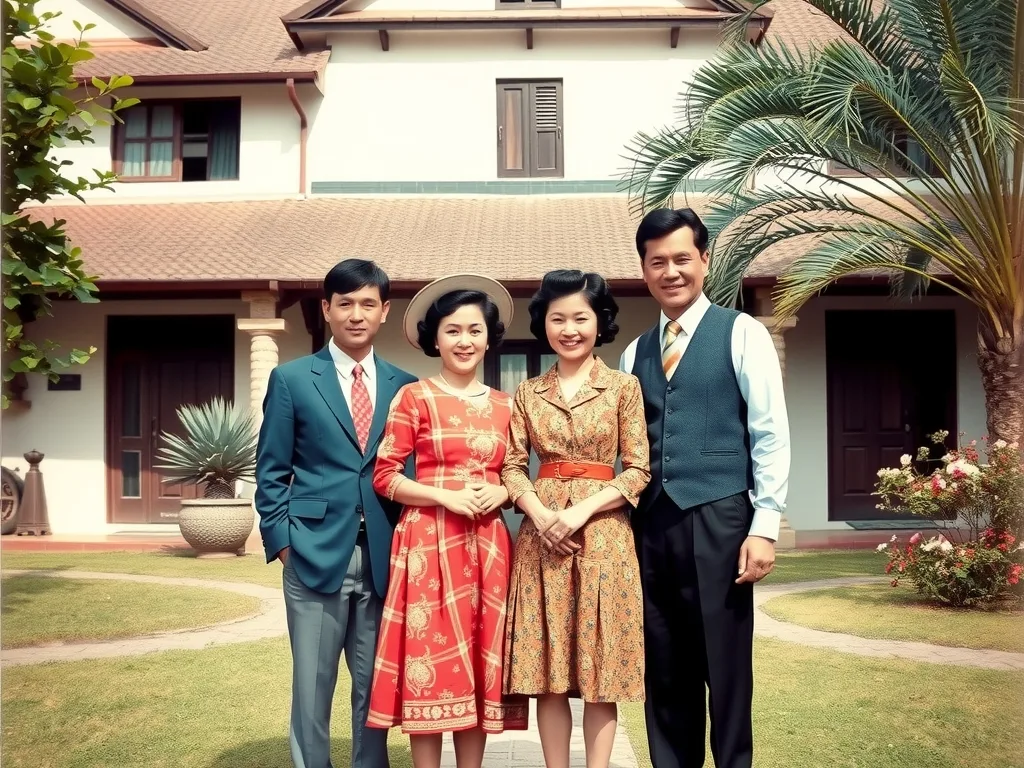
Restore and colorize this old photo.
Preview & reuse settings
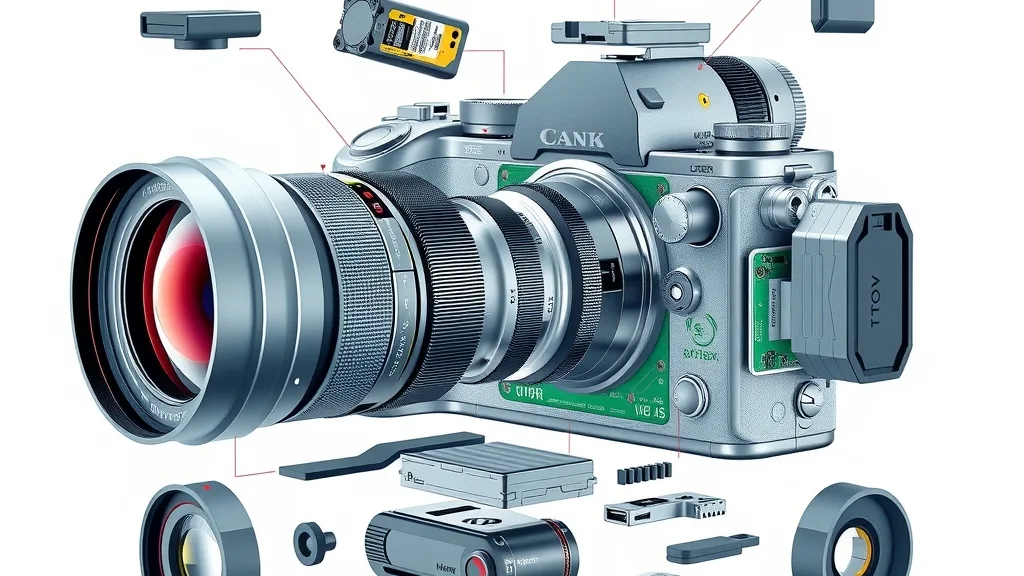
Create an exploded diagram of this mirrorless camera with all internal components.
Preview & reuse settings
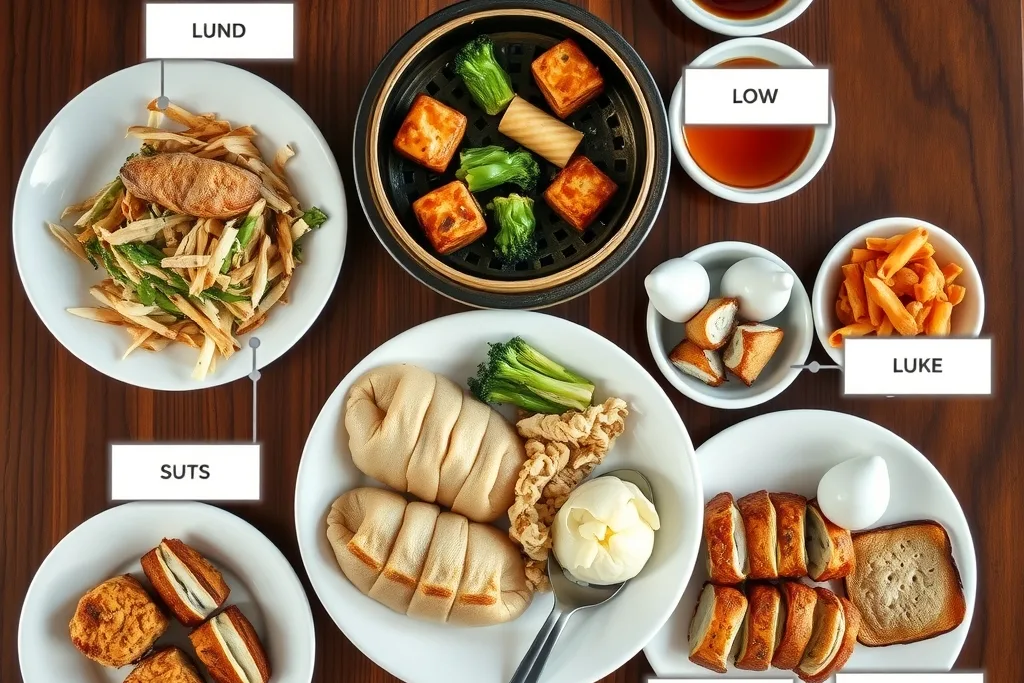
Annotate this meal with food names and approximate calories.
Preview & reuse settings
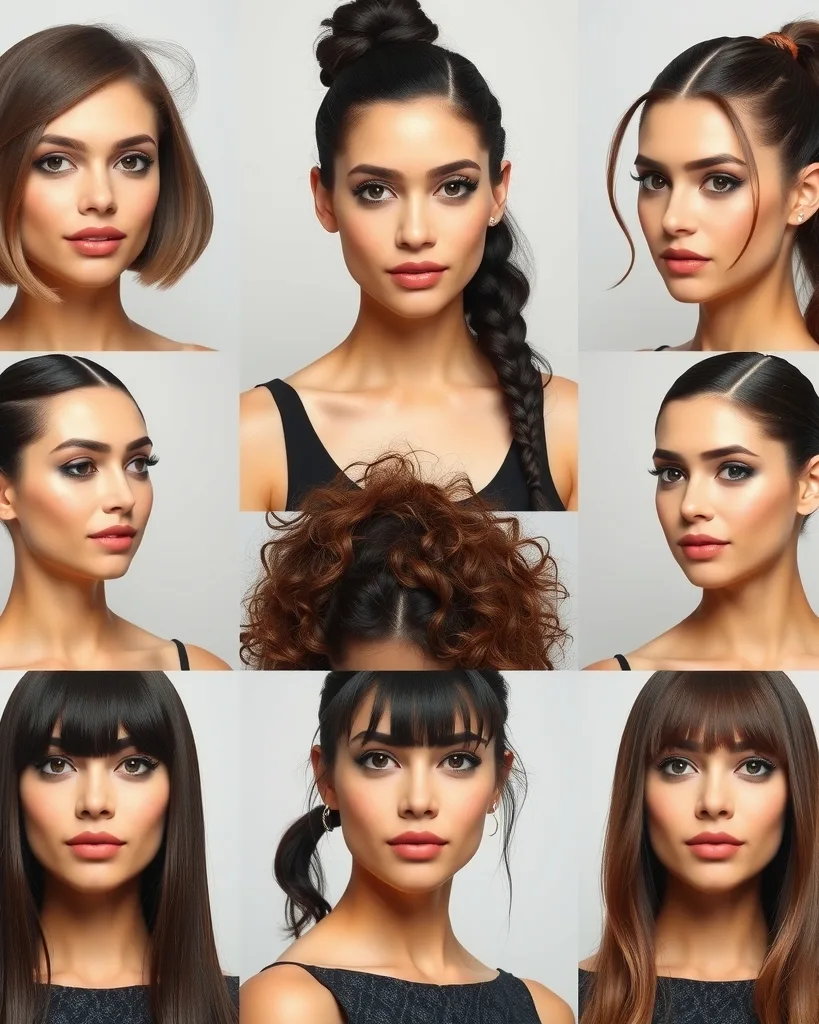
Generate a nine-panel grid of this person's avatar with different hairstyles.
Preview & reuse settings
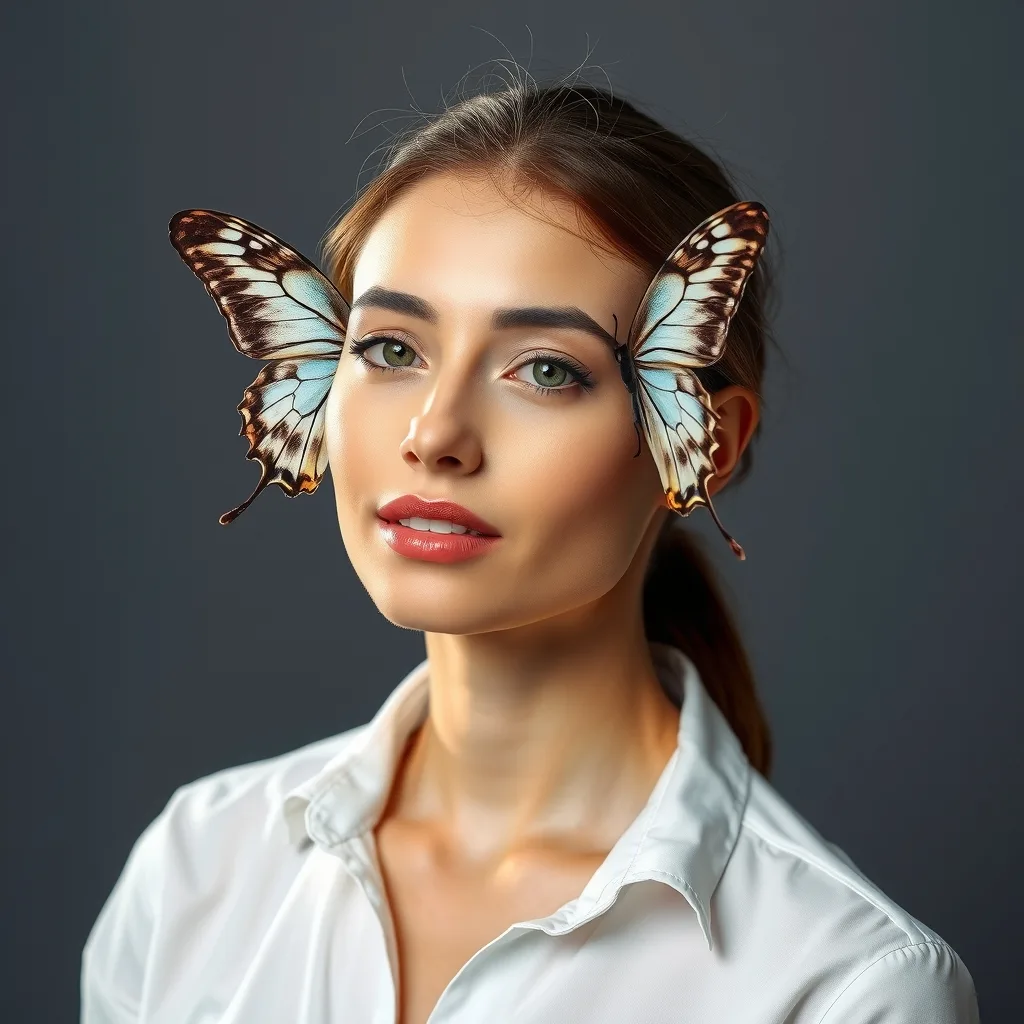
Apply the studio lighting setup from image 2 to image 1 for a professional portrait.
Preview & reuse settings
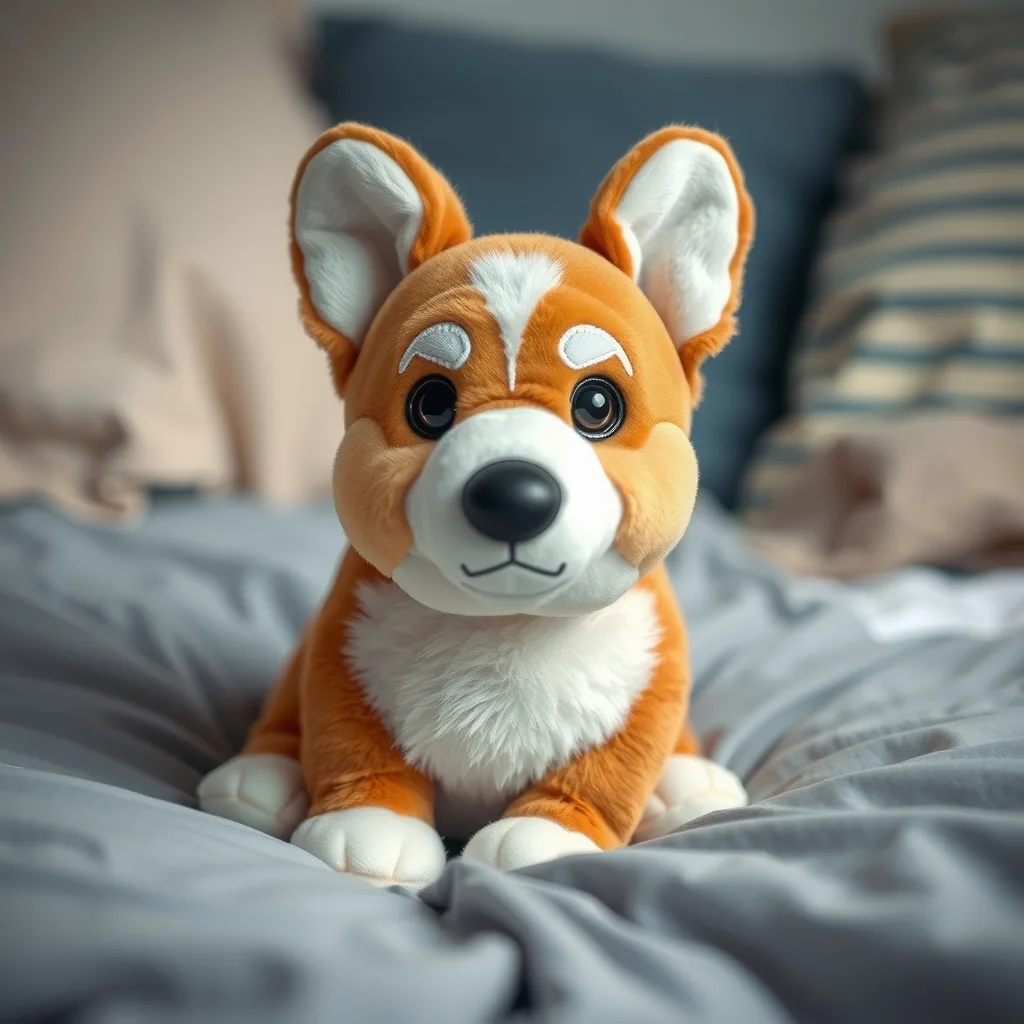
Turn this pet photo into a cute plush doll.
Preview & reuse settings
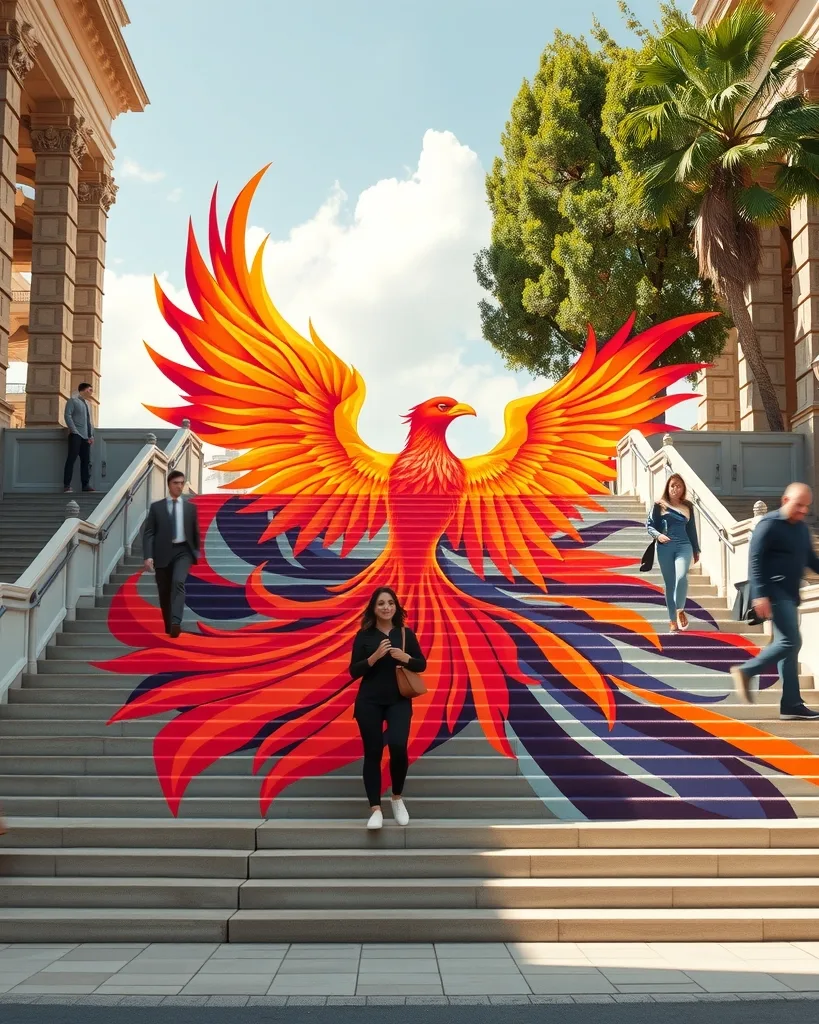
Place the poster from image 1 onto the large staircase in image 2.
Preview & reuse settings
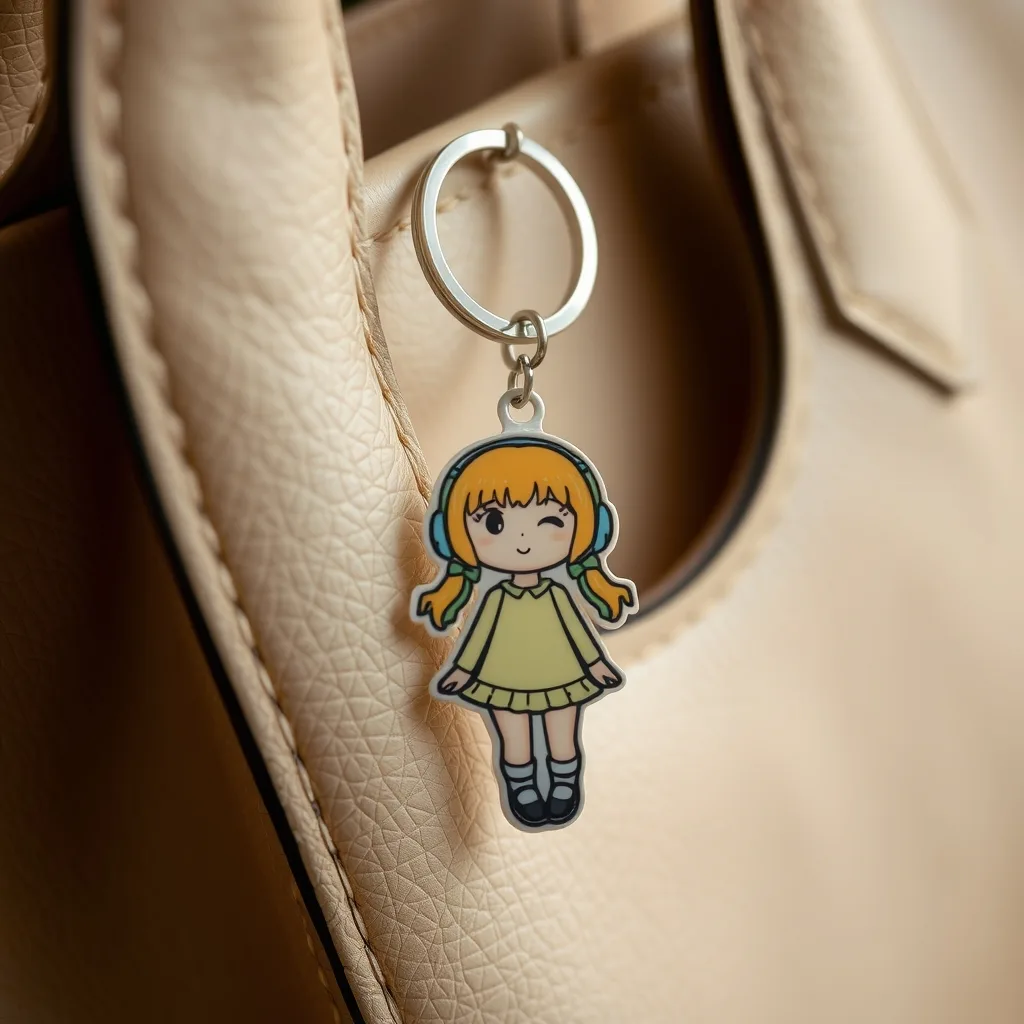
Turn this photo into a flat acrylic keychain hanging from the handbag.
Preview & reuse settings
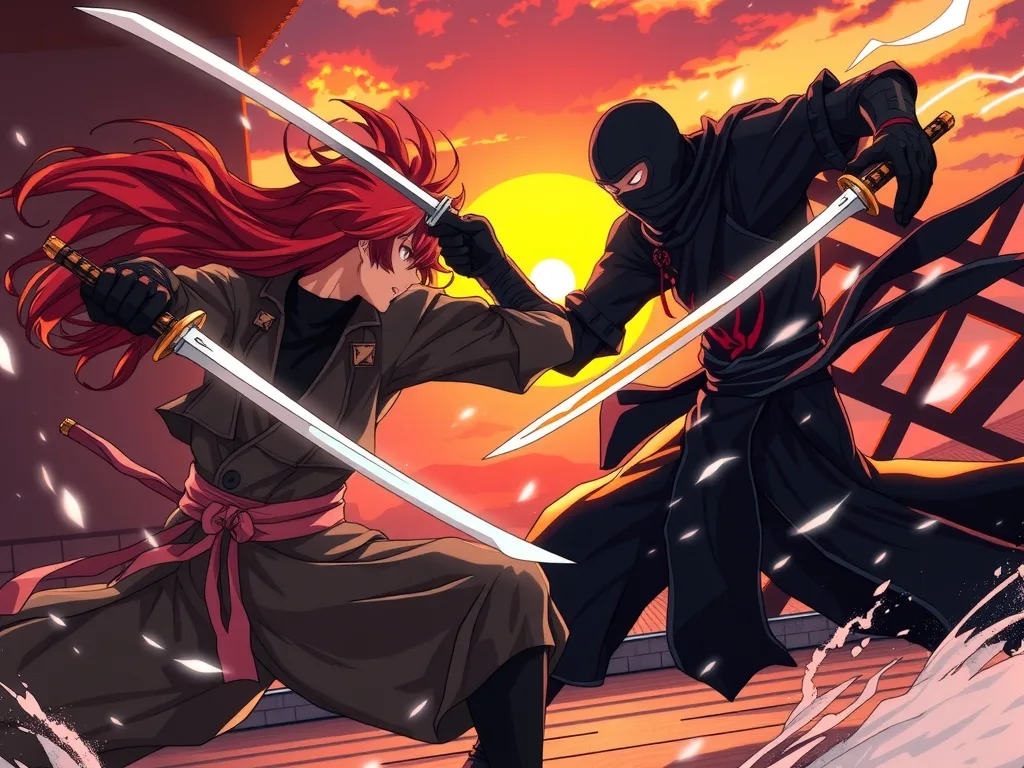
Have these two characters face off in a dynamic fight scene with a fitting background.
Preview & reuse settings
What Is Image to Image AI
Transform your photos with AI image-to-image generation and photo editing, powered by Seedream 5 Lite and Seedream 4.5, alongside Nano Banana and GPT Image models. Upload a reference image and describe the changes you want — from backgrounds and objects to visual styles. Edit online in your browser, with output up to 4K on supported models.
AI Models for Image Editing
Access top AI models for image to image editing. Seedream 5 Lite, Seedream 4.5, Nano Banana 2, and GPT Image offer different reference-image controls, resolutions, and creative options.
Seedream 4.5
ByteDance · Style Transfer
Developed by ByteDance, Seedream 4.5 excels at style transfer, photo enhancement, and creative transformations. Supports up to 14 reference images for precise control. Known for exceptional text rendering and 4K output quality.
Nano Banana 2
Google · Search-Grounded Editing
Google's search-intelligent editing model enables reference-guided transformations with up to 14 source images for precise style control. Real-time web grounding ensures branded elements, product designs, and cultural references render accurately during editing. Supports 4K output for professional production workflows.
Seedream 5 Lite
ByteDance · CoT Reasoning
ByteDance's next-generation editing model applies Chain-of-Thought reasoning to understand complex transformation requests. Interprets multi-step editing instructions intelligently, delivering up to 3K output with web-aware context. Builds on Seedream 4.5's text rendering strength while adding smarter visual understanding.
GPT Image 1.5
OpenAI · 16 Refs & Text Overlay
OpenAI's high-fidelity editing model accepts up to 16 reference images for complex multi-element compositions and precise visual control. Excels at adding or modifying text overlays, logos, and branded elements within existing images while preserving the original composition. Supports medium and high quality output with flexible aspect ratios.
AI Photo Editor for Backgrounds, Styles & Objects
Our AI image generator transforms your existing photos into stunning new creations. Upload any image and describe your desired changes. The AI photo editor handles style transfer, background editing, object manipulation, and enhancements with professional quality. Powered by Seedream 5 Lite, Seedream 4.5, Nano Banana 2, GPT Image 2, and GPT Image 1.5 from leading AI labs.
Image to Image Use Cases
Discover what you can create with AI image to image technology. From style transfer to product mockups, transform any photo with professional results.
East Asian Art Style Transfer
Apply traditional East Asian aesthetics
Convert photos into ink-wash paintings (水墨画), gongbi illustrations (工笔画), woodblock prints (版画), or blue-and-white porcelain (青花瓷) patterns. Seedream understands dynasty-specific art conventions — specify Tang, Song, Ming, or Qing era for authentic period styling.
Vintage Photo Restoration
Colorize and restore historic images
Restore vintage photographs from the Republic era, Cultural Revolution period, or family archives. AI colorizes black-and-white images with historically accurate tones, reconstructs damaged areas, and upscales to 4K for museum-quality digital preservation.
E-commerce Background Swap
Meet Taobao and JD listing standards
Replace cluttered backgrounds with Taobao-standard pure white, or swap to lifestyle scenes for JD detail pages. Seedream 4.5 renders product text overlays accurately while preserving product detail — essential for China's marketplace compliance.
Cultural Element Editing
Add East Asian design elements
Insert traditional East Asian elements like red seal stamps (印章), calligraphy text, cloud motifs (祥云), or paper-cut patterns (剪纸) into existing photos. Seedream supports Mandarin text generation for greeting cards, certificates, and branded content.
4K Archive Restoration
Upscale heritage imagery
Upscale classic film stills, historical paintings, and archival photographs to 4K without quality loss. Nano Banana 2 uses search-grounded intelligence to accurately reconstruct period-specific details like traditional architecture, clothing textures, and calligraphy strokes.
China-Market Mockups
Localized marketing visuals
Place products into East Asian lifestyle contexts — tea ceremony settings, Spring Festival dinner tables, or modern Shanghai apartment interiors. Generate Xiaohongshu-ready flat-lay compositions and Douyin thumbnail variations with Mandarin text banners.
Image to Image Prompt Examples
Learn how to write effective prompts for AI image editing. Use these examples as templates for transforming your photos.
Ink Wash Style Transfer
Convert photo to ink-wash 水墨画 art
"Transform this landscape photo into a traditional ink-wash painting (水墨画) on xuan paper. Use Song Dynasty composition with empty space (留白), flowing brush strokes for mountains and water, and subtle ink gradients. Add a red seal stamp (印章) in the lower right corner."
Taobao Product Background
China's e-commerce listing upgrade
"Replace the background with a pure white Taobao-standard product backdrop. Keep the product centered with soft even lighting and zero shadows. Add subtle reflection below. Output must meet 800×800 main image specifications with the product filling 70% of the frame."
Old Shanghai Colorization
Vintage photo restoration
"Restore and colorize this vintage black-and-white Shanghai Bund photograph from the 1930s. Reconstruct damaged areas, enhance facial details, add historically accurate colors for the Art Deco buildings and period clothing. Upscale to 4K while preserving the original film grain texture."
Hanfu Fashion Mashup
East Asian cultural creative styling
"Restyle this modern portrait into a Tang Dynasty court painting (仕女图) aesthetic. Transform the clothing into layered hanfu with flowing silk ribbons, add a traditional hair ornament (步摇), and apply gongbi (工笔) painting texture to the skin and fabric. Background should resemble a palace garden with blooming peonies."
AI Image Editing Tips
- • Use East Asian art vocabulary - Reference specific traditions like 水墨画 (ink-wash), 工笔 (gongbi), 木刻版画 (woodblock print), or 青花瓷 (blue-and-white porcelain) for more authentic style transfers with Seedream
- • Add Mandarin text with Seedream 4.5 - Include Hanzi characters in your prompt (e.g., "add text 春节快乐 in calligraphy style") for accurate Mandarin text rendering on product images and marketing materials
- • Follow China's e-commerce specs - For Taobao main images specify "800×800 white background, product centered, 70% fill"; for JD detail pages use "750px wide, lifestyle context"
- • Reference historical dynasties for styling - Specify the era (Tang 唐, Song 宋, Ming 明, Qing 清) when requesting historical style transfers, as each dynasty has distinct color palettes, clothing, and artistic conventions
How Image to Image AI Works
Transform your photos with AI technology in three simple steps. Our AI image generator makes professional editing effortless.
Upload Your Source Image
Upload the photo or artwork you want to transform — product shots for Taobao, vintage family photos for restoration, or modern portraits for East Asian art styling. JPG, PNG, and WebP up to 10MB.
Write a Bilingual Edit Prompt
Describe your changes using East Asian art terms (水墨画, 工笔, 青花瓷) alongside English instructions. Choose Seedream 4.5 for Mandarin text rendering, Nano Banana 2 for search-grounded accuracy, or Seedream 5 Lite for CoT reasoning.
Download for China Platforms
Export at 800×800 for Taobao main images, 750px wide for JD detail pages, 1:1 for Xiaohongshu posts, or full 4K for print and archival use. All outputs are watermark-free with commercial rights.
AI Photo Transformation Examples
See what AI image to image can create. From style transfers to complex photo edits, AI models deliver stunning results.
More AI Tools
Explore our complete suite of AI generators for images and videos.
Image to Image AI FAQ
Common questions about AI image editing and photo transformation technology.
Transform Photos with AI Now
Join thousands of creators using AI image to image to transform their photos. Upload an image and experience top AI models like Seedream 5 Lite, Seedream 4.5, and Nano Banana 2. Professional style transfer, photo enhancement, and creative edits in seconds.